How to replace a broken handle?
Last December, I got into 3d printing in order to replace a handle on a poker chip steelcase, the kind of heavy metal case used to store and carry poker chips. The plastic handle snapped off, and rather than buy a whole new case, I figured I’d try to print a replacement. It probably would have been something easy for a CAD expert to figure out (of which I’m not). Here’s what broke, and what I replaced it with:
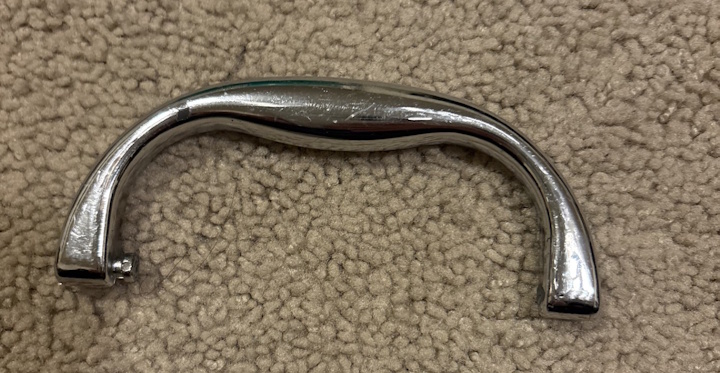
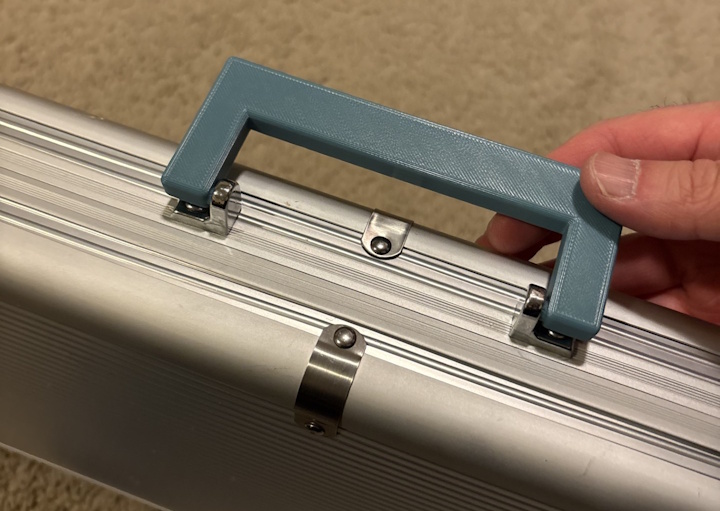
In doing this, I learned a bit about 3d printing and how technical non-CAD experts can generate what they want.
Making 3d models transparent
How LLMs work is opaque enough; you don’t want their output to be opaque as well. I found that if you asked an LLM to generate a model, it may generate a .stl file that you can print. That’s fine and dandy if the output is exactly what you want. But just like with any other artifact, you need to be able to reasonably iterate over the 3d model. If the 3d model is simply a .stl file, it can be hard to reason over the high level objects and structures (at least in my experience). What I ended up learning is that you need to ask the LLM to generate a .scad file. For example, when the first version of the handle didn’t quite fit — the bolt hole was 2mm too narrow — I could open the .scad file, find the parameter for hole diameter, change 3 to 5, and re-export. Try doing that with a raw .stl.
SCADalogy
I feel that .scad files are basically “3d models for programmers”. You can edit them in an open source app: OpenSCAD. They are plain-text files that can be converted to a .stl for final printing. See a snippet here that the LLM generated for me:
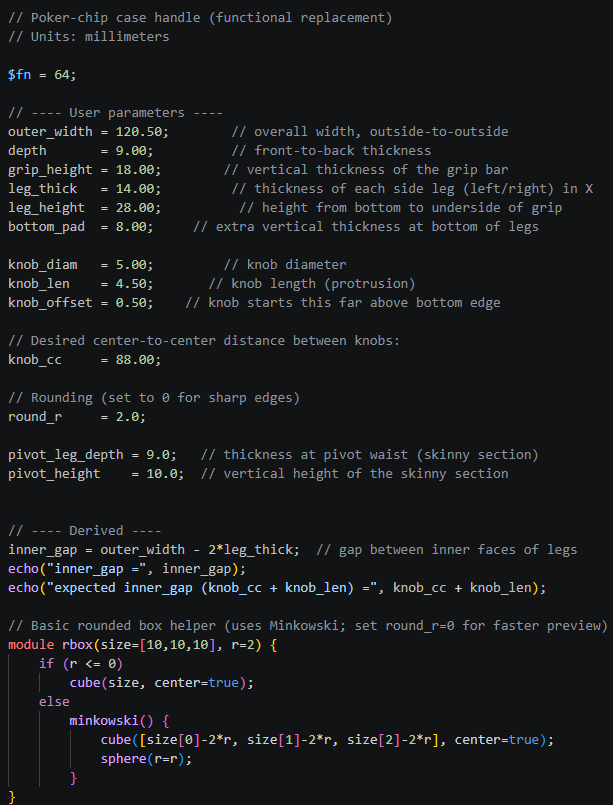
You can have variables, call functions, and have fine-grained millimeter-level precision of your objects. You can work with high level abstractions instead of splines and curves. And if the LLM didn’t provide the proper parameterizations that you want, you can tell it to extract magic numbers out into variables as well.
But most important of all you can check it into source control! This means that as you iterate through the file, you can easily tell what changed, what worked, and what didn’t. This unlocks a whole dimension (pun intended) of collaboration between humans and AIs.
Next - a toy for the team
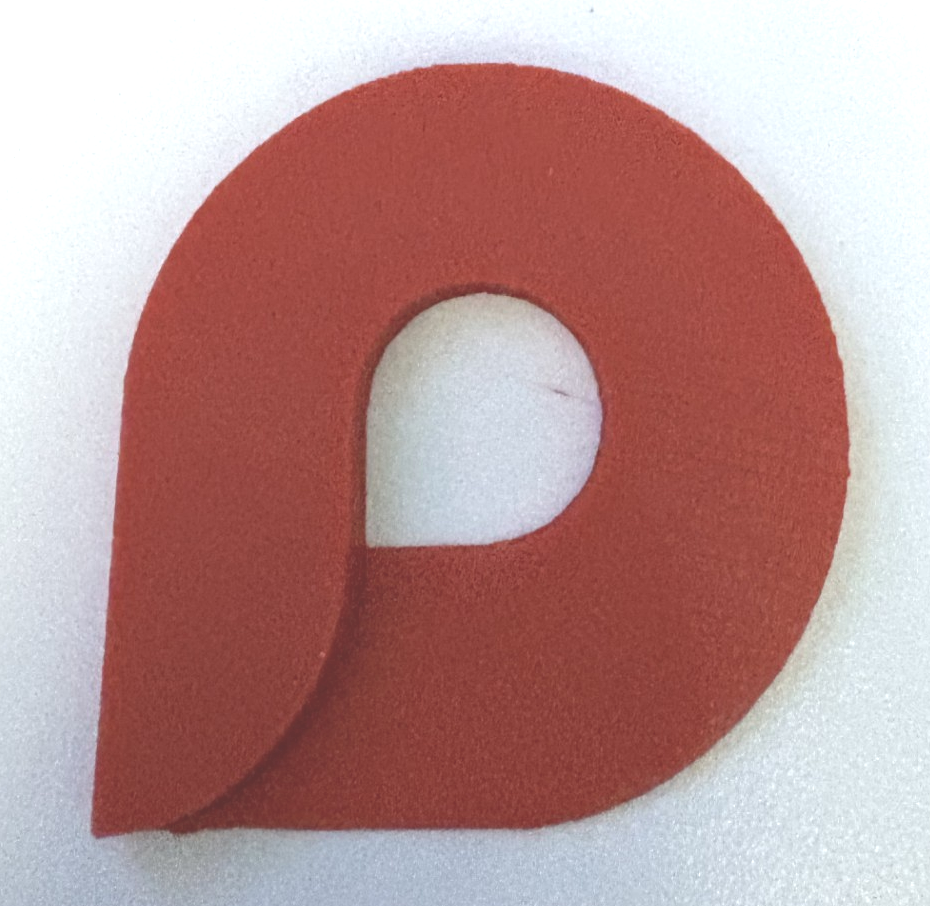
After my handle, I started going on a 3d-printing kick. At the time, I was working on the Microsoft Loop team, and we had a really cool, friendly logo:

I decided to create a nice morale-boosting tchotchke for my team, by creating a 3d version of the logo. The thing was, I wasn’t sure how.
The LLM ended up converting the logo into a black-and-white heightmap, and built a model out of that. Of course, what the LLM created wasn’t perfect, so I had to iterate on it a bit. There were some things I’d tweak by hand, and others I’d prompt the LLM to adjust (for some operations, editing the .scad file directly was faster than starting a new prompt). Here are a couple of the resulting prints:
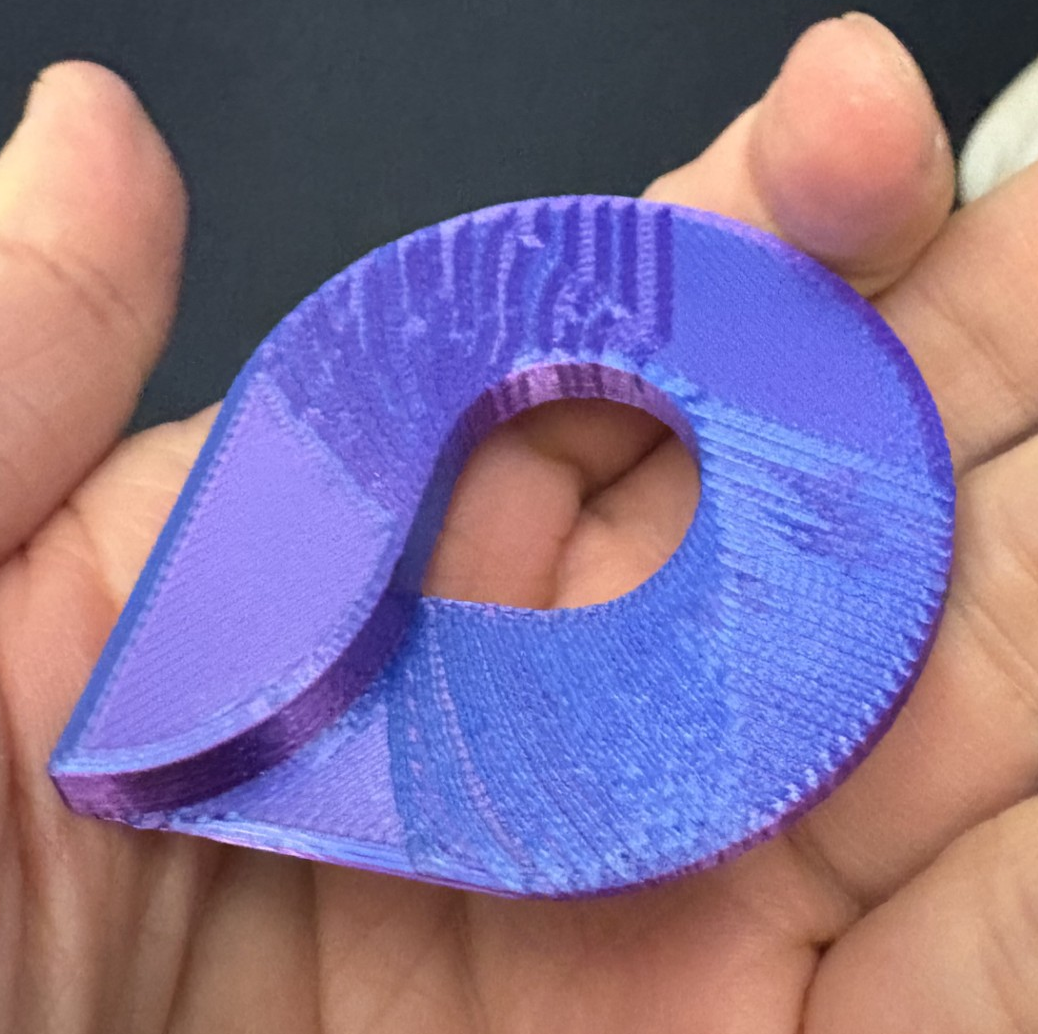
And of course I started printing out a bunch and handing them to teammates and partners 😊!
What I learned
The biggest takeaway: treat LLMs like junior developers. You wouldn’t ship a junior dev’s first commit without code review — don’t ship an LLM’s first .stl without inspection. The magic happens when you keep the output in an editable, readable format (like .scad) so you can collaborate with the LLM iteratively rather than treating each generation as a one-shot attempt. I now think of .scad as the Python of 3d modeling — verbose enough to understand, simple enough to edit, and powerful enough to get the job done.
What can we do in the future?
3d printing is a great way to quickly generate one-off physical goods without costly tooling up at a factory. I feel that just like an agent can invoke a tool to get things done, an agent can also use 3d models for on-the-fly problem solving. Imagine an agent that detects a broken part in your home, scans it, generates a .scad model, and sends it to your printer — all without human intervention. And with formats like .scad files that allow for easy human collaboration, it becomes faster to generate what you need to solve problems! We’re not quite there yet, but the building blocks are in place.